What Your Boiler Really Exposes over OpenTherm — a Full Register Scan with the HomeMaster Gateway
Because the OpenTherm Gateway is open and runs ESPHome, nothing on the bus is off-limits. I swept the full 0–255 Data-ID space on a real boiler — including the manufacturer's private registers — entirely locally, with no cloud in the loop. Here's the complete map of what this boiler exposes.

The short version. I swept all 256 OpenTherm Data-IDs on my Viessmann Vitodens 100. It answered 25 registers — all of them in the documented 0–127 half. Three of them (IDs 93/94/95) are undocumented manufacturer registers the ESPHome component doesn't expose, and none of them are gas. On this boiler, every ID from 128–255 returned Unknown-DataId. The takeaway isn't a hidden gas meter — it's a complete, reproducible map of the bus, a reusable scanner, and a pattern for reading undocumented registers into Home Assistant.
1. Quick Background: How OpenTherm Data Is Organized
OpenTherm is the two-wire protocol most modern gas boilers use to talk to a thermostat or gateway. All the data — flow temperature, pressure, modulation, setpoints — lives in numbered registers called Data-IDs. The ID field is 8 bits, so there are 256 possible registers (0–255):
- 0–127 is the range the OpenTherm specification covers — but it's a mix. Most are documented standard registers (flow temp, pressure, modulation…), and the ESPHome
openthermcomponent maps nearly all of those. Scattered among them, though, are manufacturer-reserved slots the spec leaves undefined; the component has no entity for those, so it can't show them. - 128–255 is outside the spec entirely — an unclaimed upper half that some manufacturers use for their own private registers, and that nothing polls by default.
Every boiler implements only a subset of these Data-IDs, and manufacturers rarely document which ones. Ask an unsupported ID and the boiler answers Unknown-DataId; ask a supported one and it returns the value. A read scan is simply: ask all 256 and write down what comes back. Whether an ID is supported is the message type in the reply — READ_ACK (type 4) means supported, UNKNOWN_DATAID (type 7) means not, no reply means the boiler ignored it.
2. Why I Went Looking
My boiler reports gas consumption in the Viessmann app, which always puzzled me. The published OpenTherm specification defines no standard Data-ID for cumulative gas consumption — nothing in the spec reports cubic metres. And at least on this boiler, I couldn't find any OpenTherm register that exposes it. So whatever the app is showing, that figure simply isn't available over the OpenTherm interface.
That made me wonder what else the boiler keeps to itself. The ESPHome component already maps nearly all the documented registers, so any standard data I wanted would already be in Home Assistant. The only unexplored territory was the manufacturer-specific space the component can't see: the reserved slots tucked inside 0–127, and the whole undocumented 128–255 half that some boilers quietly use — at least one Daikin implementation, for example, uses ID 162 for its DHW setpoint. Nothing polls those for you, so I scanned all 256 myself to see if my boiler hides anything there.
3. Why the Component's Entity List Isn't Enough
The obvious first move is to enable every sensor the ESPHome opentherm component offers and see which populate. That gets you most of the way — the component maps almost the entire documented protocol. But it has a blind spot: it has no entity for manufacturer-reserved IDs, so it never asks for them. If a boiler answers something in that reserved space, the component simply can't surface it. That blind spot — inside 0–127 and across all of 128–255 — is the only reason a raw scan is worth running.
4. The Scanner: Sweeping All 256 IDs
The component is an OpenTherm master, and normally it only asks the boiler for the registers you've configured entities for — there's no built-in "read everything" mode. But it lets you intercept each outgoing request in a before_send lambda and rewrite the Data-ID before it goes out. That's the whole trick: rewrite the ID on every request so it walks through 0, 1, 2 … 255 instead of the handful you configured, and classify each reply in before_process_response.
globals:
  - id: scan_id
    type: int
    restore_value: no
    initial_value: '0'

opentherm:
  id: ot_bus
  in_pin: GPIO21
  out_pin: GPIO26
  sync_mode: true

  before_send:
    then:
      - lambda: |-
          // hijack every outgoing frame -> probe the next id as a READ
          x.id = (uint8_t) id(scan_id);
          id(scan_id) = (id(scan_id) + 1) % 256;   // full 8-bit sweep

  before_process_response:
    then:
      - lambda: |-
          int t = (int) x.type;                     // 4 = READ_ACK, 7 = UNKNOWN_DATAID
          if (t == 7)
            ESP_LOGW("otscan", "id=%d NOT supported (Unknown-DataId)", (int) x.id);
          else if (t == 4)
            ESP_LOGI("otscan", "id=%d supported u16=%u", (int) x.id, x.u16());
A couple of extra details in the published config: it advances the counter inside before_send so a timed-out ID can't stall the sweep, and it mirror-checks each upper-half answer against its lower-half twin (id − 128) to catch stacks that secretly mask the ID to 7 bits. On my setup there was no masking — the component genuinely sent all 256 IDs. The whole thing is read-only: it never writes to the boiler and never fires heating, so it's safe to flash, log, and then flash your normal config back.
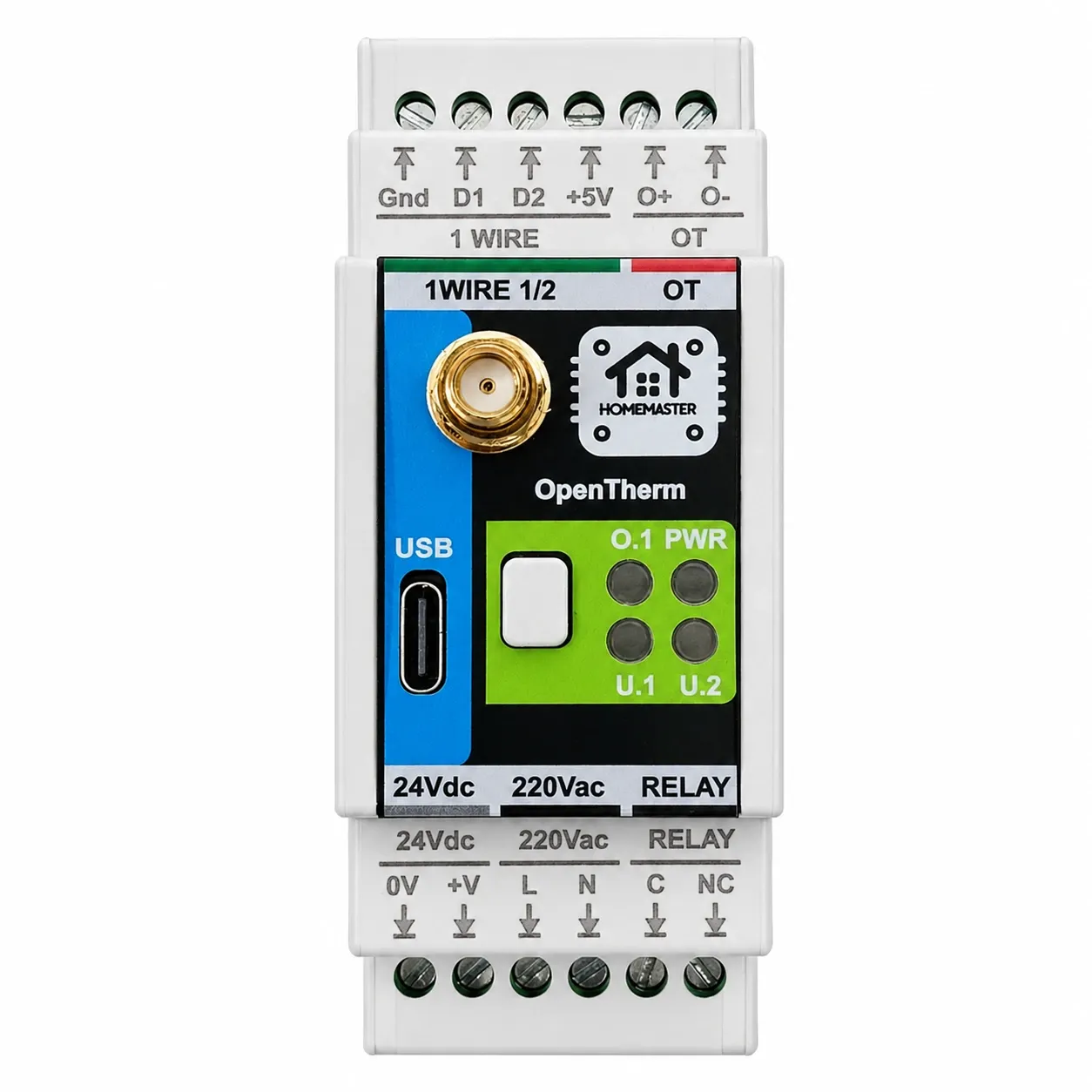
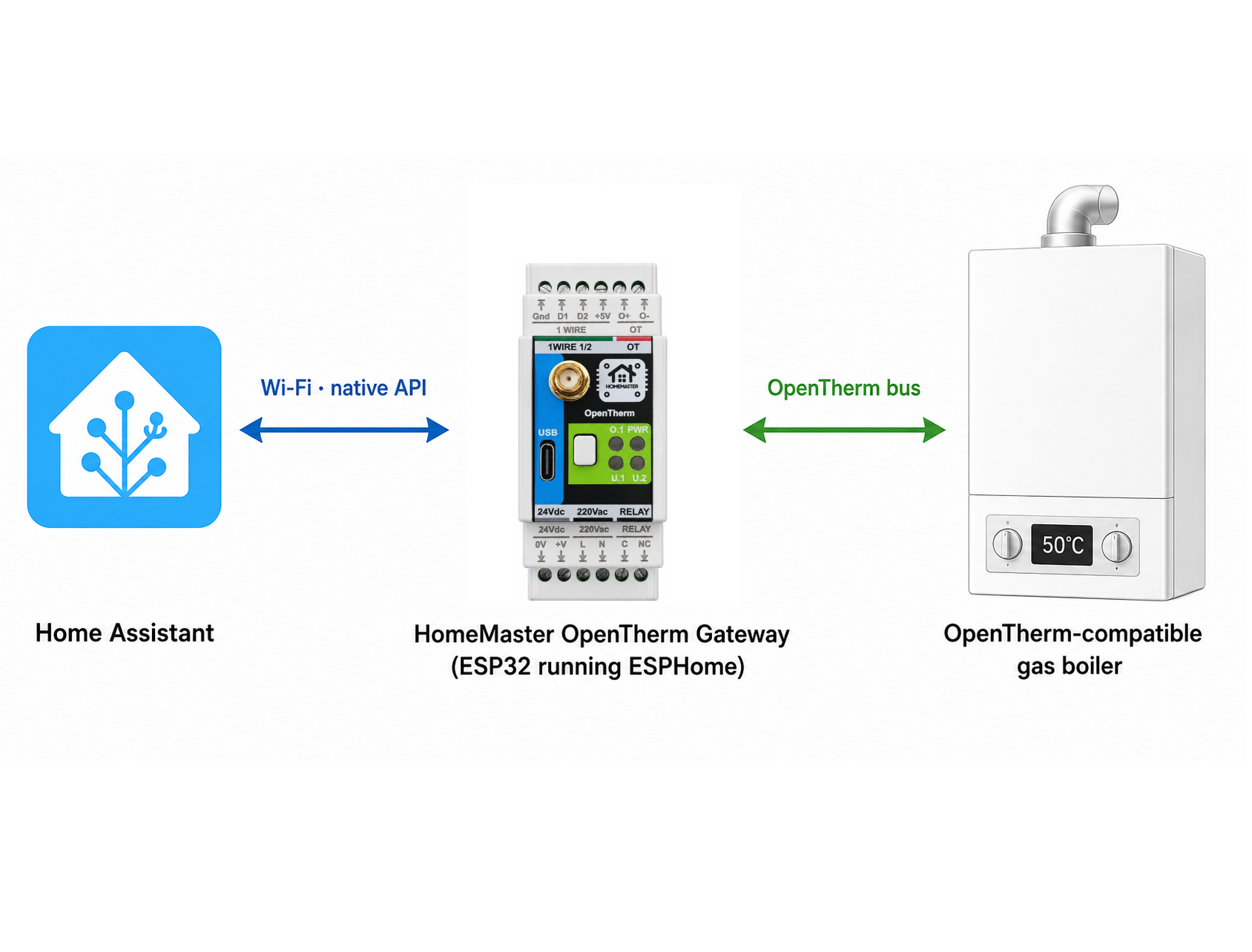
Each frame takes about a second, so a full 0–255 sweep is ~4–5 minutes; run it 10–15 minutes to catch registers that only answer intermittently. It works on any OpenTherm interface the ESPHome opentherm component supports — I ran it on a HomeMaster OpenTherm Gateway (an ESP32 board running ESPHome), but the technique isn't tied to that hardware. Full config: opentherm-SCAN.yaml.
5. Reading the Log
With the logger at DEBUG, the component prints every request and decoded reply, and the otscan lines tag the verdict. A slice showing a supported register, an unsupported one, an OEM hit, and the empty upper half:
id= 18  supported  u16=435  f88=1.70      <- CH pressure, 1.70 bar
id= 25  supported  u16=15411 f88=60.20    <- flow temp
id= 28  NOT supported (Unknown-DataId)    <- return temp: this boiler doesn't have it
id= 93  supported  u16=2390  f88=9.34      <- OEM, no component entity (a "find")
id=116  NOT supported (Unknown-DataId)    <- burner-starts counter: not exposed
id=162  NOT supported (Unknown-DataId)    <- Daikin's DHW id; Unknown here
The full raw log and a per-ID results file are published alongside the scanner: articles/opentherm-scan.
6. What This Boiler Actually Answered
Across the full 0–255 space, my Viessmann Vitodens 100 (BHC 0122) answered 25 IDs — all of them in the documented 0–127 half. On this boiler, every ID from 128–255 returned Unknown-DataId or timed out, with no aliasing; even ID 162 (the register at least one Daikin uses for its DHW setpoint) returns Unknown here. So there was nothing to find in the upper half of this particular unit.
Here are the 25 registers it answered (the full three-column reference — spec meaning, ESPHome entity name, and this boiler's answer for every ID — is in opentherm-dataid-map.md):
| ID | What it is | Value read |
|---|---|---|
| 0 | Status flags | CH/DHW/flame bits |
| 3 | Slave config / MemberID | HB81 / LB33 |
| 5 | Fault flags | no fault |
| 6 | Remote parameter flags | HB3 / LB3 |
| 9 | Remote override room setpoint | 0.00 |
| 15 | Max boiler capacity / min modulation | 25 kW / 10% |
| 17 | Relative modulation level | 0% |
| 18 | CH water pressure | 1.70 bar |
| 19 | DHW flow rate | 0.0 l/min |
| 25 | Boiler flow temperature | 60.2 °C |
| 26 | DHW temperature | 55.7 °C |
| 33 | Exhaust temperature (integer) | 50 °C |
| 35 | Fan speed (integer) | HB28 / LB28 |
| 48 | DHW setpoint bounds | 60 / 30 |
| 49 | Max CH setpoint bounds | 82 / 5 |
| 56 | DHW setpoint | 50 °C |
| 57 | Max CH setpoint | 20 °C |
| 93 | OEM (undocumented) | 9.34 |
| 94 | OEM (undocumented) | 23.19 |
| 95 | OEM (undocumented) | 16.21 |
| 99 | DHW mode | 0 |
| 100 | Remote override function | 0 |
| 115 | OEM diagnostic code | 0 |
| 125 | OpenTherm version (device) | 4.1 |
| 127 | Product version | HB37 / LB123 |
The honest takeaway: 22 of the 25 are registers the component already maps, so for the standard data the scan told me almost nothing I couldn't have gotten by enabling those entities by hand. It only earned its keep in one place — the reserved slots the component can't reach.
7. The Three OEM Registers: 93, 94 and 95
Three consecutive IDs in the manufacturer-reserved range answered with real data: 93 ≈ 9.3, 94 ≈ 23.2, 95 ≈ 16.2 (they drift over time). The component labels all three INVALID — no entity, so without the scan I'd never have known they exist. 95 only answered on the longer run, so it's worth sweeping for several minutes rather than one pass.
They are, however, clearly not gas: small, steady values with no public documentation, nothing that looks like a consumption counter. I don't know what they are — that's Viessmann-specific and undocumented. But they're live, and they're a good illustration of the point: the component covers the standard; the reserved space needs a scan.
8. Putting an Undocumented Register on a Dashboard
If your own scan turns up something interesting in the reserved space, here's how to surface it — the pattern I used to watch 93/94/95 in Home Assistant. Since the component has no entity for these IDs, you can't declare them the normal way. Instead, keep your normal config and "borrow" an occasional frame to probe the OEM id, then publish the reply into a template sensor:
# Read the undocumented OEM registers (93, 94, 95) into Home Assistant.
# Normal polling continues; we just borrow ~1 frame in 30 to probe them.
globals:
  - id: probe_n
    type: int
    restore_value: no
    initial_value: '0'

sensor:
  - platform: template
    id: oem_93
    name: "Boiler OEM register 93"
    accuracy_decimals: 2
  - platform: template
    id: oem_94
    name: "Boiler OEM register 94"
    accuracy_decimals: 2
  - platform: template
    id: oem_95
    name: "Boiler OEM register 95"
    accuracy_decimals: 2
  # ... your normal `platform: opentherm` sensors stay here ...

opentherm:
  id: ot_bus
  in_pin: GPIO21
  out_pin: GPIO26

  before_send:
    then:
      - lambda: |-
          // every ~30th frame, borrow it to probe an OEM id (rotating 93/94/95)
          id(probe_n) = (id(probe_n) + 1) % 90;
          if (id(probe_n) == 0)       x.id = 93;
          else if (id(probe_n) == 30) x.id = 94;
          else if (id(probe_n) == 60) x.id = 95;

  before_process_response:
    then:
      - lambda: |-
          if ((int) x.type != 4) return;              // only accept READ_ACK
          if (x.id == 93)      id(oem_93).publish_state(x.f88());
          else if (x.id == 94) id(oem_94).publish_state(x.f88());
          else if (x.id == 95) id(oem_95).publish_state(x.f88());
          // f88() matches the scan (9.3 / 23.2 / 16.2). If a register is really
          // an integer, use x.u16() or x.s16() instead.
Now the three OEM registers graph in Home Assistant like any other sensor — which is the practical way to guess what an unknown register tracks: watch how it moves against boiler state. You don't know a reserved register's data type up front, so try x.f88() (fixed-point) and x.u16()/x.s16() (integers) and keep whichever produces sane numbers.
9. Gotchas That Will Fool You
Write-only IDs read back as "Unknown" — and that's expected. The CH setpoint (ID 1) is a register the master writes. A read scan asks to read it, so the boiler answers Unknown-DataId. It looks unsupported, but control works fine: the gateway writes ID 1 and the boiler obeys. In Home Assistant you'll even see the CH Setpoint show "Unknown" as its current value while every change you make still takes effect.
Some values are integers, not f8.8. Exhaust temperature (33) and fan speed (35) are plain integers. Decode them as f8.8 and the exhaust reads 0.20 instead of 50 °C. The component lets you fix this per sensor with a data_type override (e.g. data_type: "u16").
Vendors do use the upper half. Some boilers move standard functions above 127 — at least one Daikin implementation uses ID 162 instead of 56 for the DHW setpoint. Mine answers Unknown on 162, but that example is exactly why the scan covers the full 0–255 rather than stopping at 127. The same before_send hook is how you'd remap such an ID into a normal entity once you find it.
10. The Takeaway: Full, Local Visibility Into Your Boiler
The useful part isn't this particular boiler — it's the method. Every boiler implements a different subset, and the only way to know what's in your manufacturer's reserved registers is to look. Maybe you find nothing; maybe you find the value you've been missing. Because the gateway is open and ESPHome-native, the scanner and the dashboard pattern above give you a clean, read-only, fully local way to check — on any OpenTherm interface the ESPHome component supports, with no cloud and no vendor black box.